
Connect finance, operations, customers and intelligent work.
INFOC uses Dynamics 365 Business Central as the standard ERP core, Dynamics 365 Customer Engagement for sales and service, and Power Platform for governed extension, so the whole commercial process runs on one connected architecture.

SOLUTION SCOPE
One business-application architecture
Four layers, deliberately separated: core, customer, extension, intelligence.
BC
Dynamics 365 Business Central
Finance, sales, purchasing, inventory, warehouse and manufacturing, through to projects, service and reporting.
CE
Dynamics 365 Customer Engagement
Sales, pipeline, account relationships, customer service, field engagement and connected customer context.
PP
Power Platform
Dataverse, Power Apps, Power Automate and Copilot Studio for low-code workflows, applications and agents with governance.
API
Integration & data
APIs, business events, Fabric, Power BI, external platforms and clear master-data boundaries.
CUSTOMER ENGAGEMENT
Connect lead-to-order and case-to-resolution with ERP truth
CRM should not become a separate universe from ERP truth.
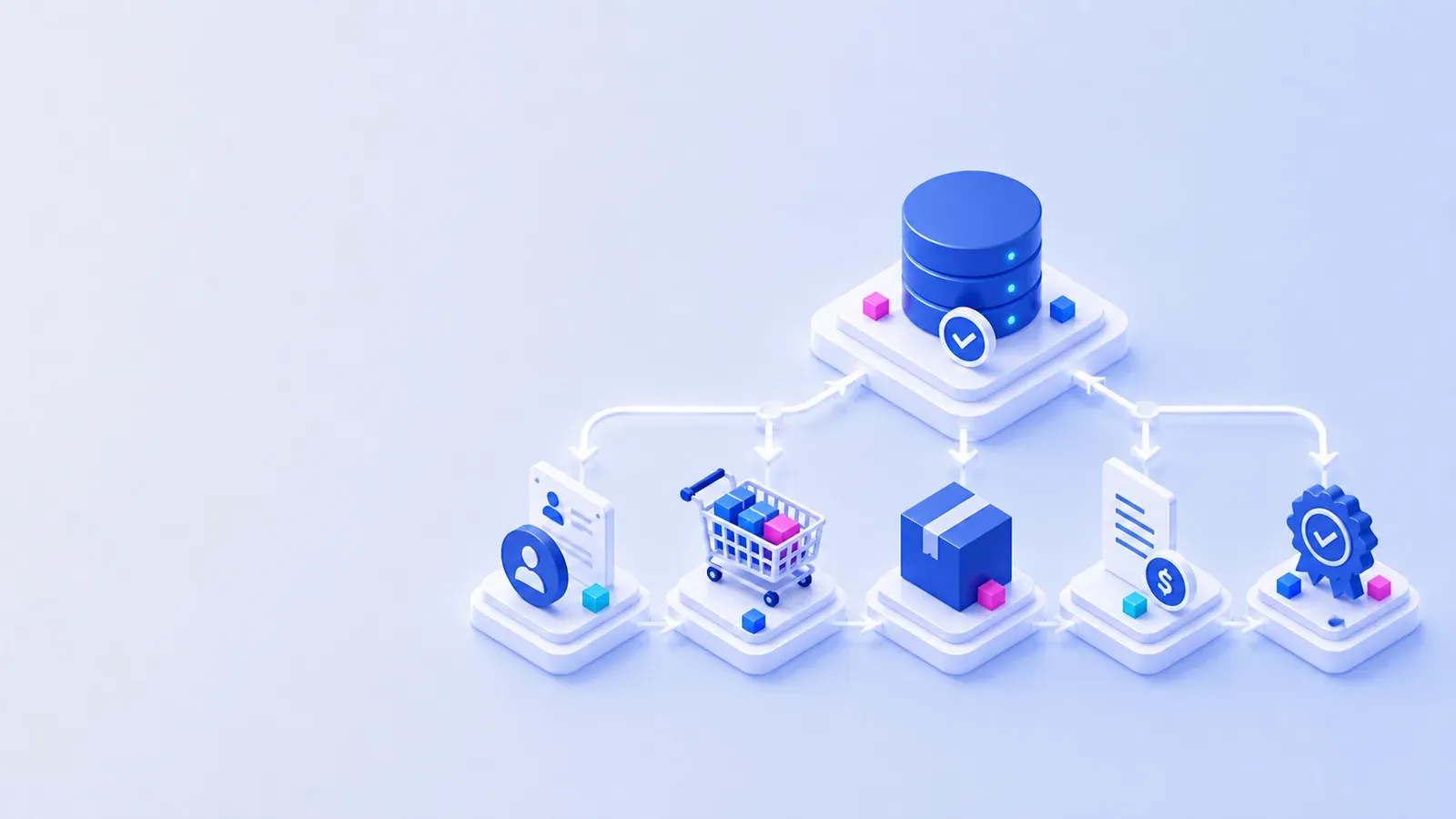
Commercial and service processes
- Account, contact, opportunity and activity management
- Sales pipeline, forecasting and guided selling
- Customer service, cases, knowledge and service-level commitments
- Marketing and customer-journey scenarios where appropriate
- ERP integration for products, prices, availability, orders and financial status
- AI-assisted summaries, drafting and next-action support with human review
CONTROLLED EXTENSION
Use the right extension surface
Not every gap belongs inside the ERP.
Configure
Standard setup, workflow, dimensions, approvals, number series, roles and personalisation first.
Extend ERP
Controlled AL extensions where logic must execute with Business Central transactions.
Build apps
Power Apps and Dataverse for adjacent processes that should not distort the ERP core.
Automate
Power Automate for cross-system workflow, notification and orchestration.
Build agents
Copilot Studio or Microsoft Foundry when the use case requires conversational or agentic work.
Create data products
Fabric and Power BI for governed analytical models rather than uncontrolled database reporting.
INTEGRATION PRINCIPLES
Preserve system ownership and transactional control
Integration design starts with one source of truth per record.
PATTERN
API and business events
Supported interfaces, versioned contracts and observable message handling.
GOVERNANCE
Master-data boundaries
Assign ownership for customer, item, vendor, price, employee and reference data.
OPERATIONS
Process orchestration
Connect quote-to-order, order-to-cash, procure-to-pay, service and analytical flows without hidden hand-offs.
AI INSIDE BUSINESS APPLICATIONS
Assist, recommend and act, with controls
AI is tied to a role, a boundary and an approval rule.
Copilot
Assist the user
Summarise records, draft communications, explain information, find data and reduce navigation effort.
Agent
Execute bounded work
Prepare orders, capture expenses, coordinate workflow or act through approved tools and business rules.
Governance
Protect the process
Identity, permissions, audit, human approval, evaluation, monitoring and exception handling.
POWER PLATFORM GOVERNANCE
Six controls that decide whether citizen development helps or hurts
Ungoverned, it produces a thousand apps and no owners.
Separate environments for personal productivity, team solutions and business-critical applications, with different rules for each rather than one default tenant.
Connector policies that stop company data leaving through a personal cloud account, applied per environment rather than as one blanket rule nobody can work with.
Managed solutions, source control and deployment pipelines for anything the business depends on. Unmanaged in production is technical debt with a friendly interface.
Every app and flow has a named owner and a second. The most common production incident in Power Platform is a flow that ran under the account of someone who left.
Storage, API request allocation and premium connector usage monitored, so the bill and the throttling both stay predictable.
A route for a successful team app to become a supported business application, and a route for an unused one to be retired without ceremony.
CAPABILITY HOOKS
Prepare the people who will own the platform
Platforms need named owners, beyond a list of users.
Academy: Business Applications
Business Central, Power Platform and AI learning paths, certification preparation and applied labs.
ExploreTalents Gateway: ERP roles
Functional consultant, developer, solution architect and delivery-lead role definitions.
ExploreTechnology architecture
Understand the connected Microsoft stack and what each component is responsible for.
ExploreSEQUENCING
Sequencing, scope creep and accountability
Do we have to replace our CRM and ERP at once?
No, and doing both at once is usually the wrong call. One of them is causing the pain; start there. What has to be settled up front is the data boundary: which system owns the customer, which owns the item, and which one wins when they disagree. Sequence after that, not before.
How do you stop customisation sprawl?
Every gap is assigned to a surface with an owner and a lifecycle: configuration, AL extension, Power Platform, integration, or a process change instead. The discipline is in refusing the fifth option, which is a quick fix nobody records. Gaps that cannot be assigned are escalated as scope, not absorbed.
How is AI kept accountable inside the apps?
Each use case names the data it may read, the actions it may take, who approves an exception and who owns the outcome. An agent that can post a transaction needs the same approval design as a person who can, which is a control question rather than a model question.
Where does Business Central stop and Dynamics 365 Customer Engagement start?
At the order. Pre-sale activity, opportunity, case and service history belong in Customer Engagement; the order, the invoice, the stock movement and the ledger belong in Business Central. Blurring that line, usually by rebuilding order entry in CRM, is the most expensive mistake in this architecture.
Can we integrate systems you did not implement?
Yes. Integration works through published APIs and business events wherever they exist. Where a system has no API, we say so early, because the alternatives are file-based interfaces and screen automation, and both change the risk profile of the project enough that they should be a decision rather than a surprise.
What if our process genuinely does not fit the standard?
Then it should be extended, and we will build it. The test is whether the difference is a competitive advantage or an accumulated habit. Advantages are worth extending for. Habits are worth questioning, because every one of them is a cost you carry through every future upgrade.
NEXT STEP
Bring us the process that is breaking
Name the process that costs the most manual effort today. That is where the assessment starts.
