BUSINESS TRANSFORMATION
Run the whole business as one.
Connect finance, customers, operations, data, cloud and governed AI around one trusted operating foundation, then improve it in practical, measurable stages.





WHERE TO START
Begin with the result that is blocked today
 Close the books fasterFinance, inventory, purchasing, sales and control on one record, one close.Business Central
  Connect the operationOne connected path from storefront to warehouse to production.Business applications
  Trust the dataGoverned definitions, lineage and reporting across Fabric and Power BI.Data & AI
  Secure the platformA governed Azure and identity foundation with owned, monitored automation.Cloud & security
 THE PLATFORM
The architecture in cross-section
Business Central holds the transaction core. Everything else extends it. Nothing replaces it, and each layer depends on the one above.
Explore technologiesTHE CORE IS THE TOP STRATUM · EACH BAND RESTS ON THE ONE BELOW
SYMPTOM → FIRST MOVE
Start from what is actually going wrong
Pick the symptom that sounds most like your week. Each one has a defined first engagement, not a proposal.
Business process and ERP diagnostic
Map critical flows, identify control gaps and define a phased Business Central roadmap.
Book this engagement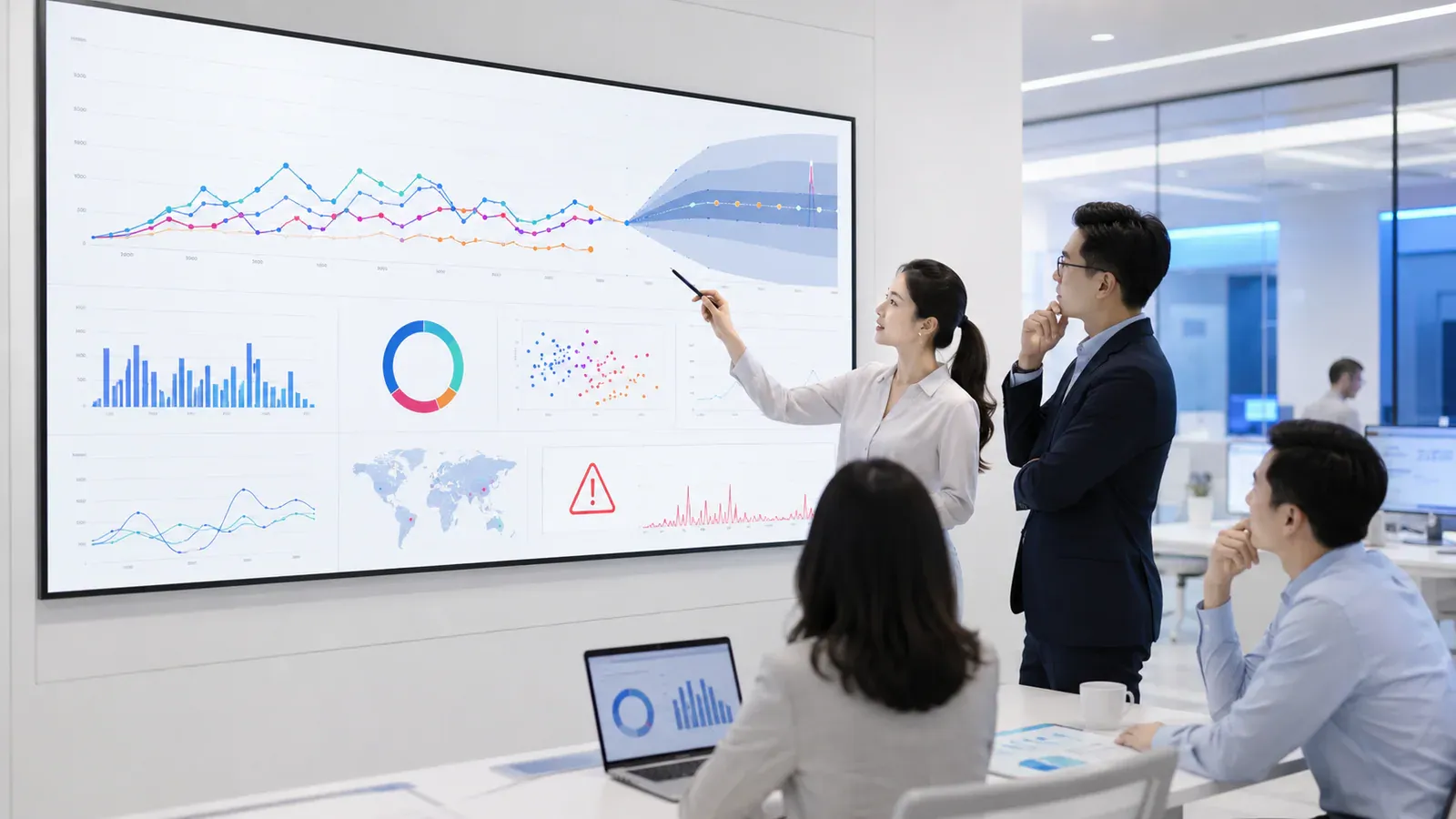
Data trust and reporting diagnostic
Trace reporting friction to its source, align metrics and shape a governed Fabric and Power BI foundation.
Book this engagement
Automation opportunity scan
Prioritise high-volume hand-offs and approvals by effort, risk and measurable return.
Book this engagement
AI readiness and use-case workshop
Rank use cases, assess data and governance readiness, then define safe pilots with clear success measures.
Book this engagement
CAPABILITY GAP
Which seat is empty on your side?
Each gap has two routes. Train the person you already have, or bring in someone who already holds the credential.
 TRAIN THE PERSON YOU HAVEBusiness Central for the people who post to itClose, controls, dimensions and reporting, taught against your own chart of accounts rather than a demo company.Academy pathways
  HIRE SOMEONE WHO HOLDS ITA consultant who has closed a month in Business CentralFunctional specialists with implementation history in finance, not only a certification.Enter Talents Gateway
  TRAIN THE PERSON YOU HAVEFabric and Power BI, modelled properlySemantic modelling, DAX, lineage and governed definitions, so two reports stop disagreeing.Academy pathways
  HIRE SOMEONE WHO HOLDS ITA data specialist who can defend the numbersPeople who have built governed models, with the definitions and lineage to show for it.Enter Talents Gateway
 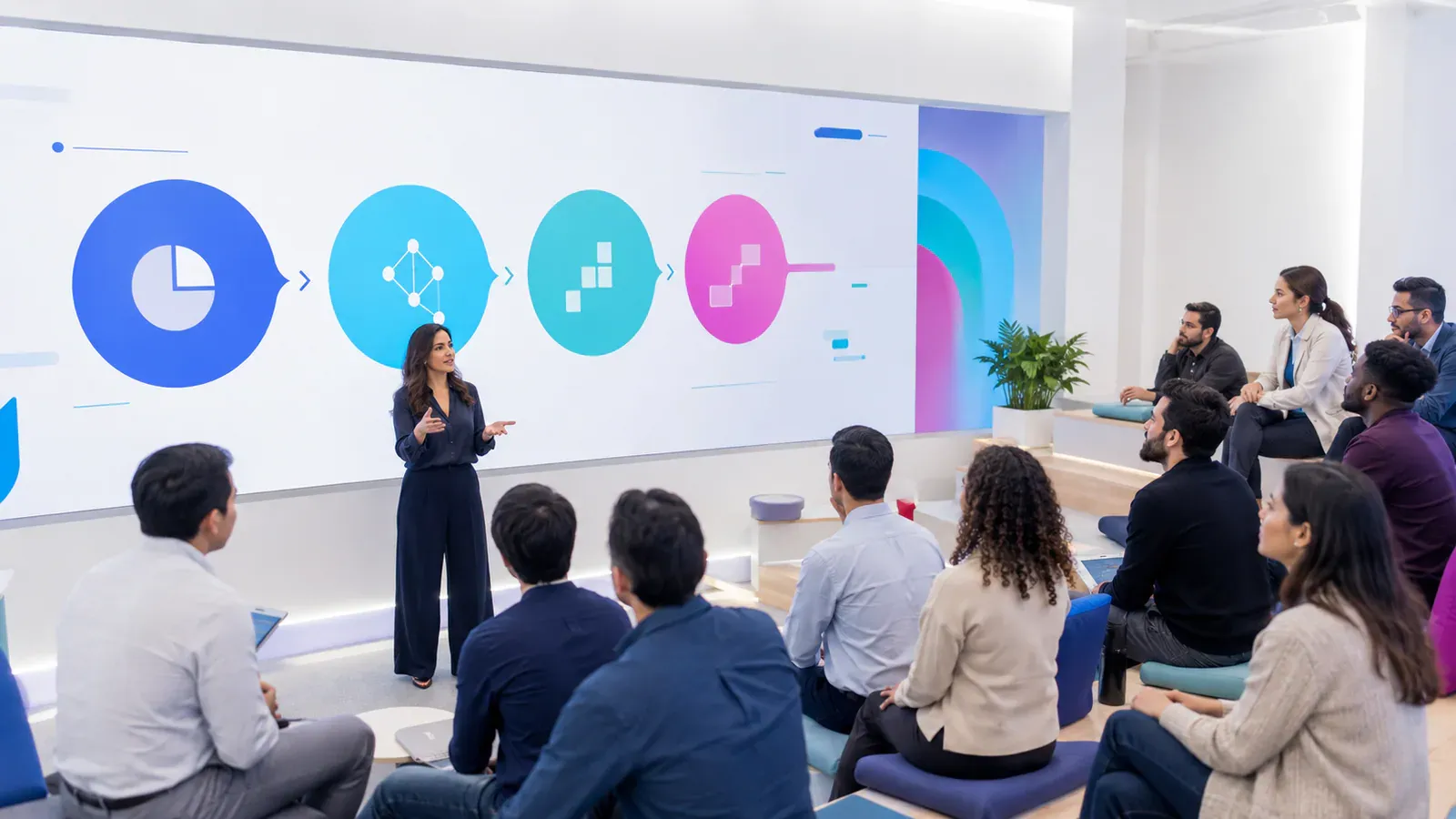 TRAIN THE PERSON YOU HAVEAL extensions that survive updatesExtension development, source control and the upgrade discipline that keeps customisation off the critical path.Academy pathways
  HIRE SOMEONE WHO HOLDS ITA developer who writes updatable extensionsDevelopers assessed on code review and upgrade behaviour, not just years on a CV.Enter Talents Gateway
  TRAIN THE PERSON YOU HAVEAzure, identity and Microsoft 365 in one handLanding zones, conditional access, least privilege and the monitoring that catches problems before users do.Academy pathways
  HIRE SOMEONE WHO HOLDS ITAn administrator who owns the whole estateCloud and identity specialists with current credentials and a runbook they can hand over.Enter Talents Gateway
 START WITH ONE PRIORITY
Frame a 30-minute working session
Pick the route, leave your name and email. Add the detail now or in the reply.